Shaders installation
Shaders installation
Last edited 2026-04-05
Clickteam Fusion allows you to install "custom" or “third-party” shaders created by the community.
Examples of sources where you can download effects:
|
Website |
Description |
|
The official Clickteam store where you can buy or download effects. |
|
|
A huge list of shaders from various sources (for example, from GitHub, as shown in the table below) |
|
|
This repository contains only shaders created or modified by Foxioo (the repository's author); it is updated frequently and has a well-organized structure. |
|
|
This repository contains some shaders created by NaitorStudios (the repository's author) as well as modified versions designed to improve upon the originals; it also includes shaders from other repositories and other sources. |
Important:
- All installed effects must be located in the "/Effects" folder within the directory where Clickteam Fusion is installed.
- File names must not be duplicated from other subdirectories within "/Effects".
- Shaders must be UNZIPPED
Guide to installing a sample effect from Dark-Wire:
(For example, I need a simple blur effect for my project.)
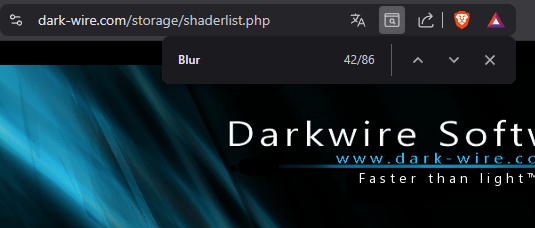
1. I go to Dark-Wire via the link in the table. When a new tab opens in my browser with the list, I press Ctrl+F and type in what I’m looking for.
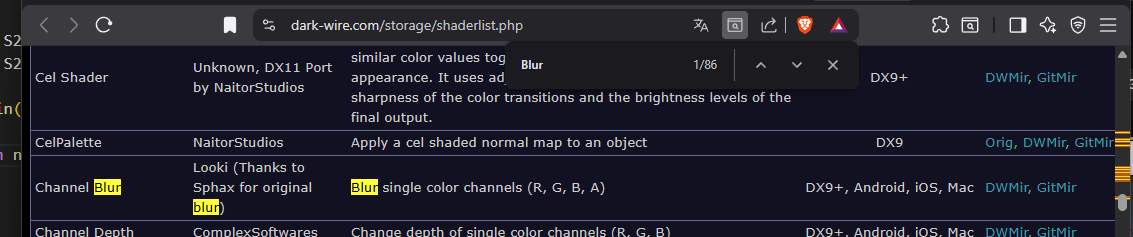
2. Once I find the effect I’m interested in, I click the download link - for example, "GitMir".
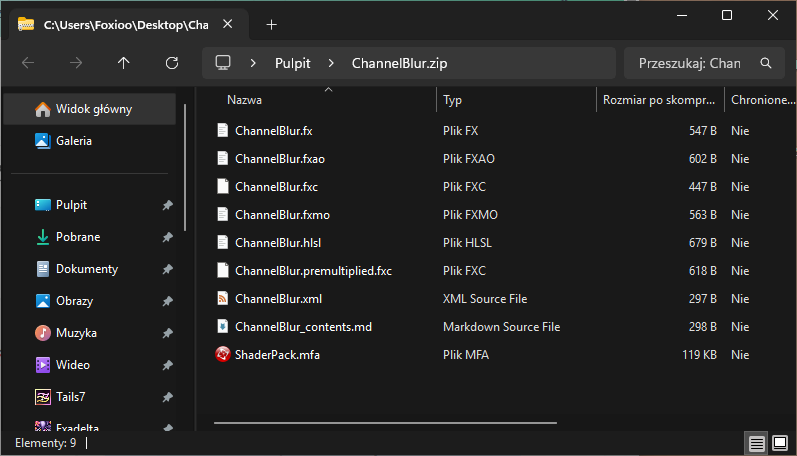
3. Once the ZIP file with the effects has downloaded, I open it.
4. I open a new Explorer window, navigate to the "/Effects" folder where Clickteam Fusion is installed, and create a new folder named "Blur."
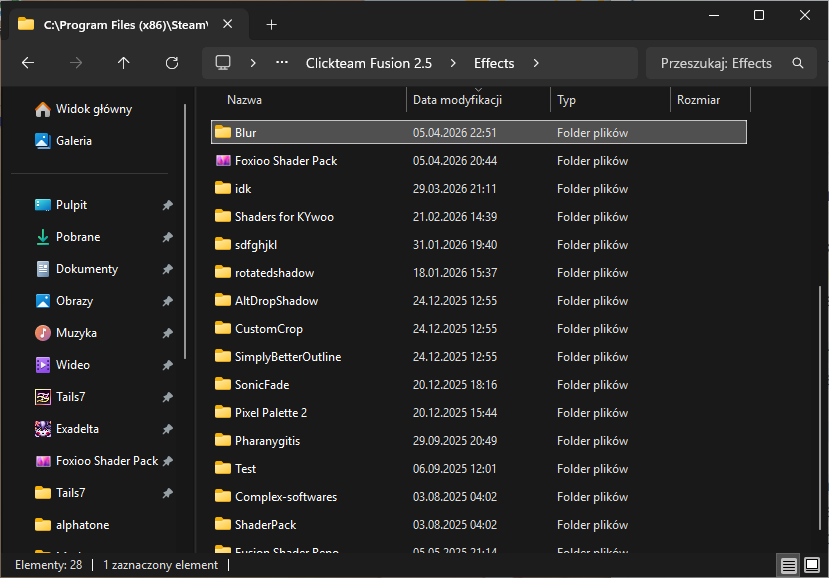
5. I copy the files from the ZIP file into the "Blur" folder.
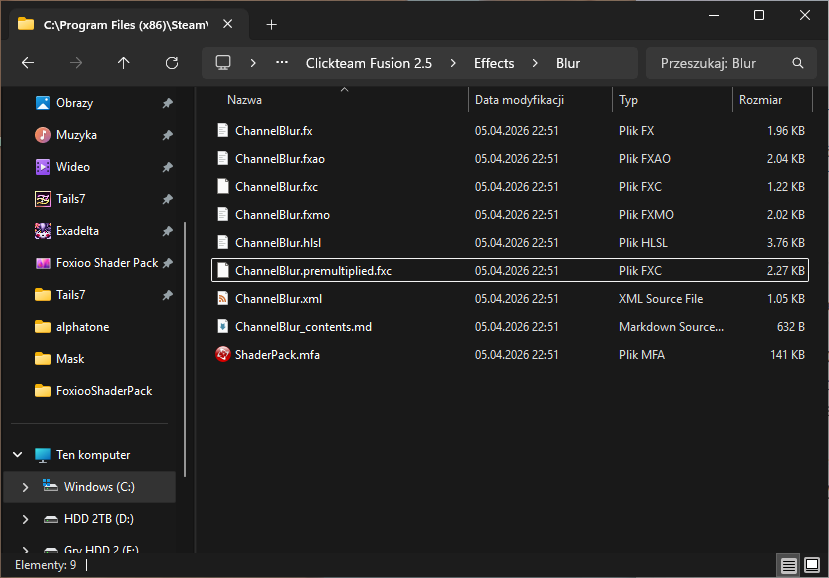
6. In Clickteam Fusion, I refresh the list of installed effects using the "Refresh" button, and I can now use this shader.
Created with the Personal Edition of HelpNDoc: Streamline Your Documentation Process with HelpNDoc's Intuitive Interface