Installation
Introduction / Installation (24 June, 2026)
|
Note Before installing the engine, make sure you have:
|
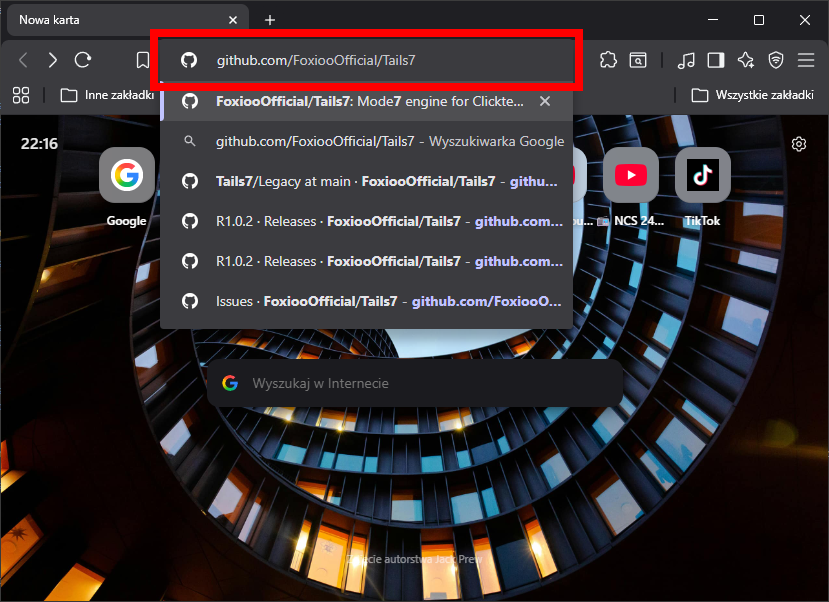
1. In your browser, go to the GitHub page of the Tails7 engine.
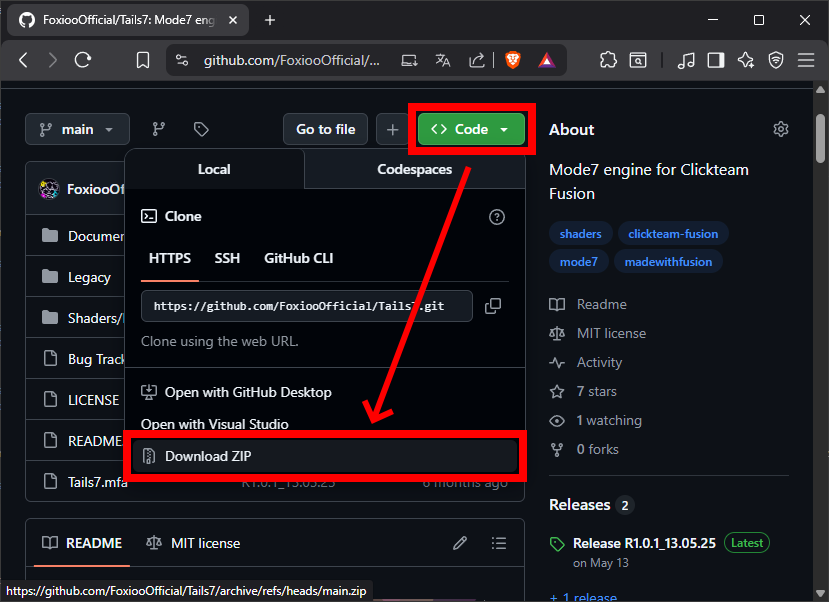
2. Download the project by clicking Code -> Download ZIP
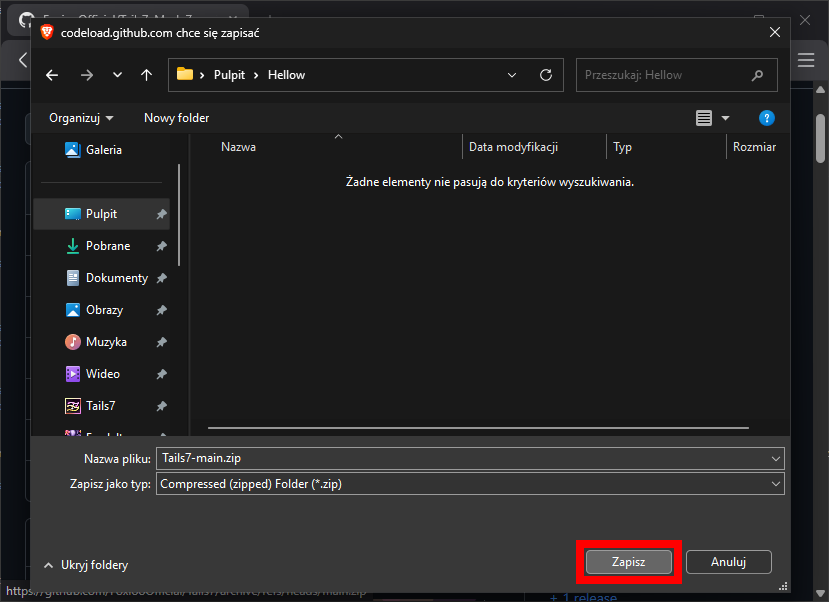
3. Choose the folder where you want to download the entire zip file.
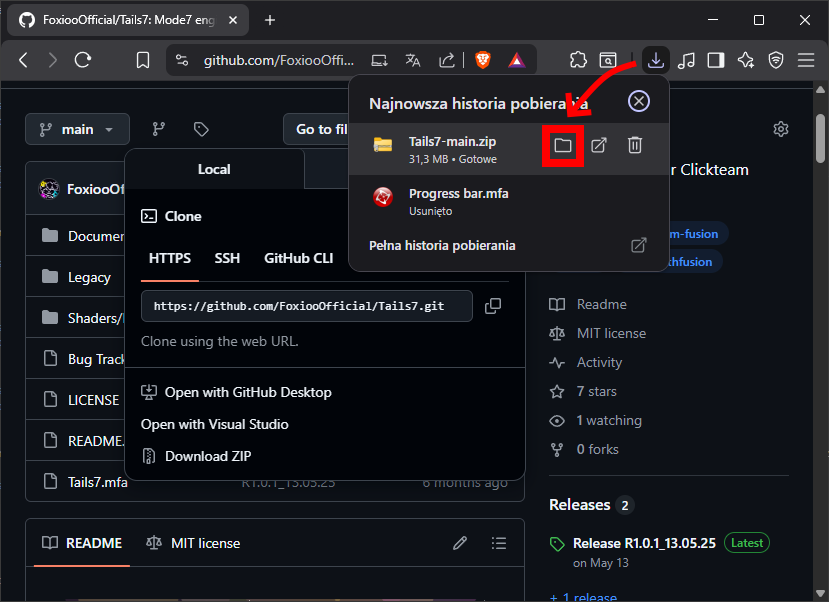
4. Open the folder where the Tails7 zip file is located.
5. Extract the Tails7 zip file.
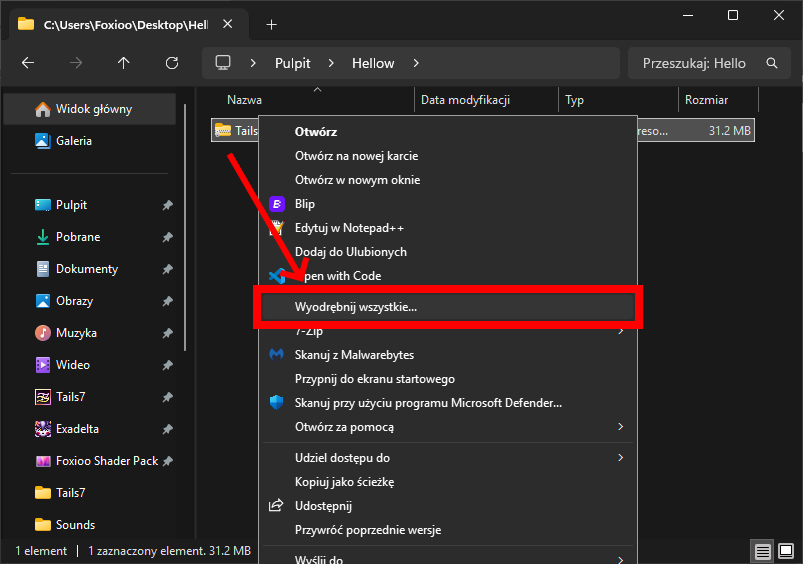
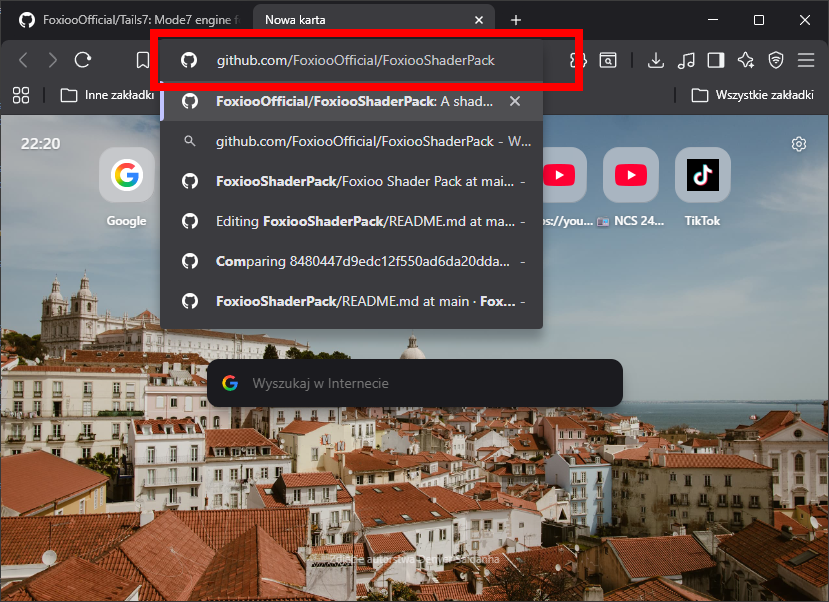
6. In your browser, now go to the GitHub page of the FSP package.
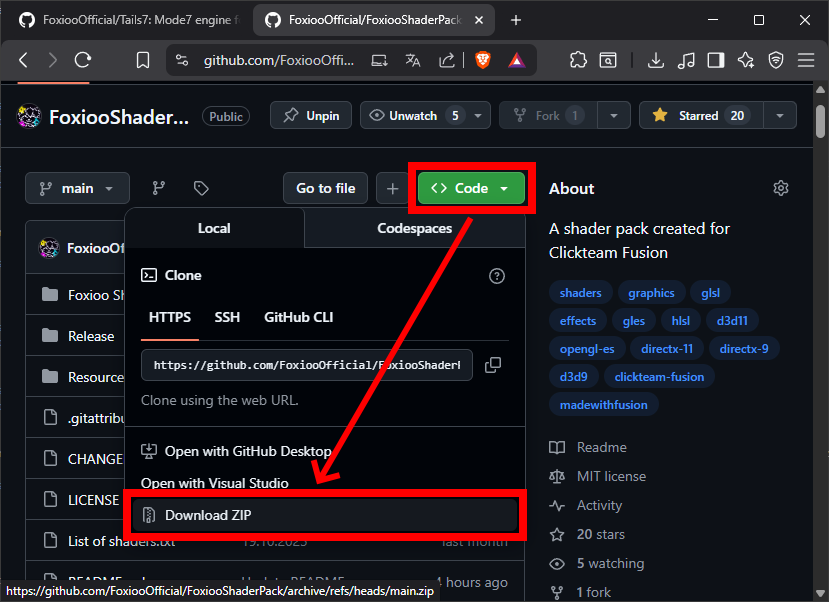
7. Also click Code -> Download ZIP to download the shader pack that is needed for Tails7.
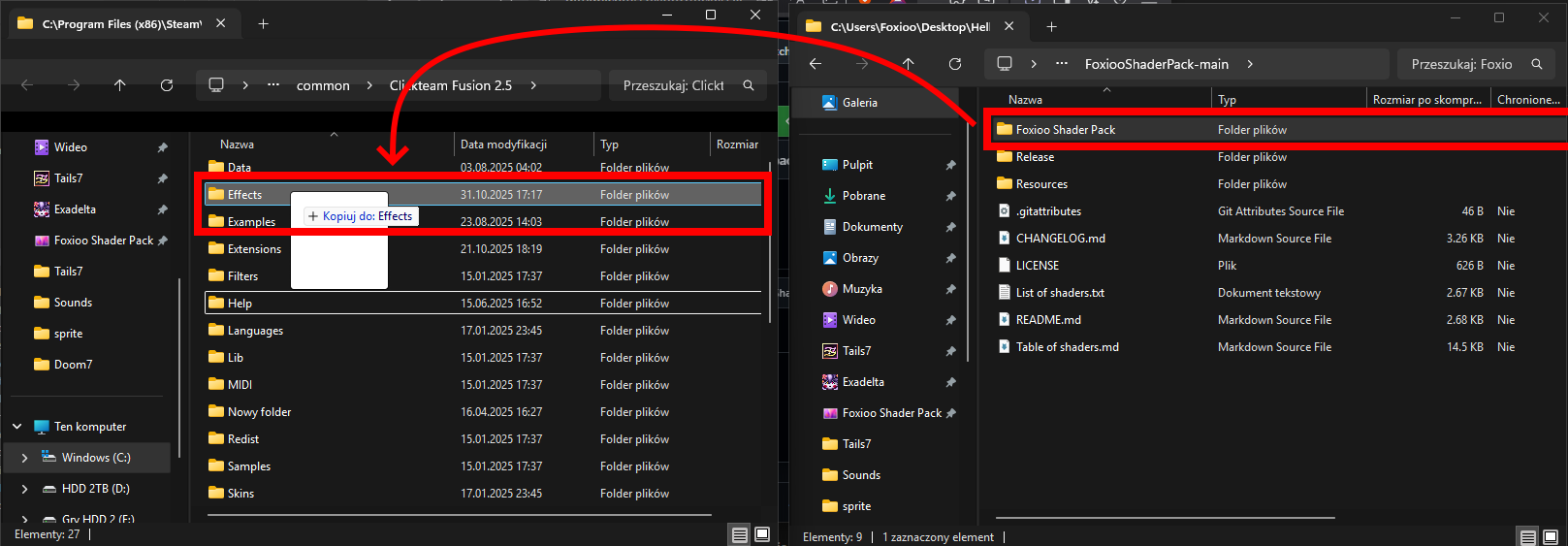
8. In Clickteam Fusion, go to Tools -> Windows Explorer, a window should open showing where Fusion is installed.
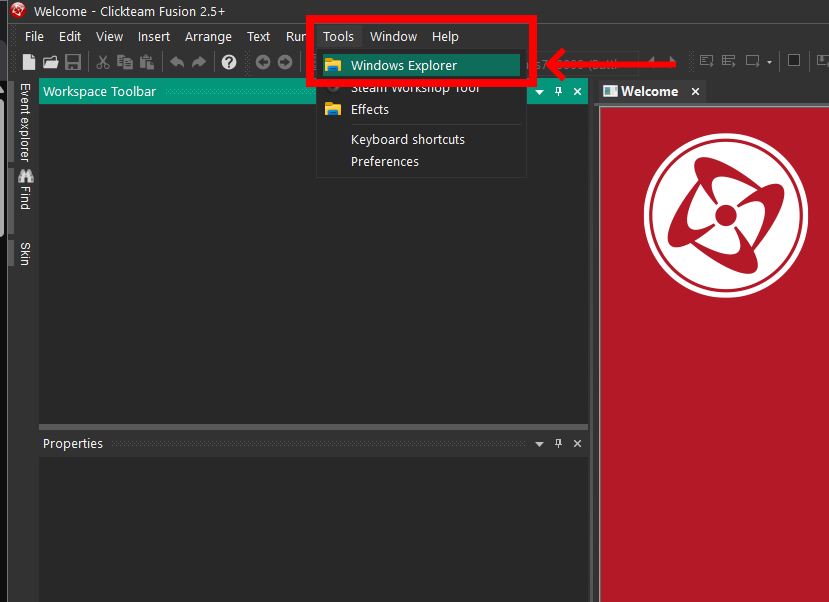
9. Move the Foxioo Shader Pack folder from the zip subfolder to the Effects folder where Fusion is installed and restart Fusion.
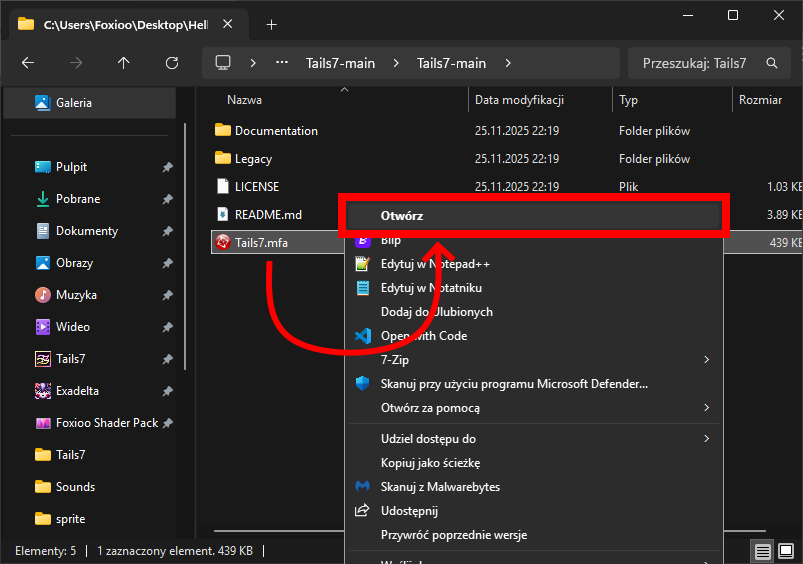
10. Return to the folder where you downloaded the project and open Tails7.mfa.
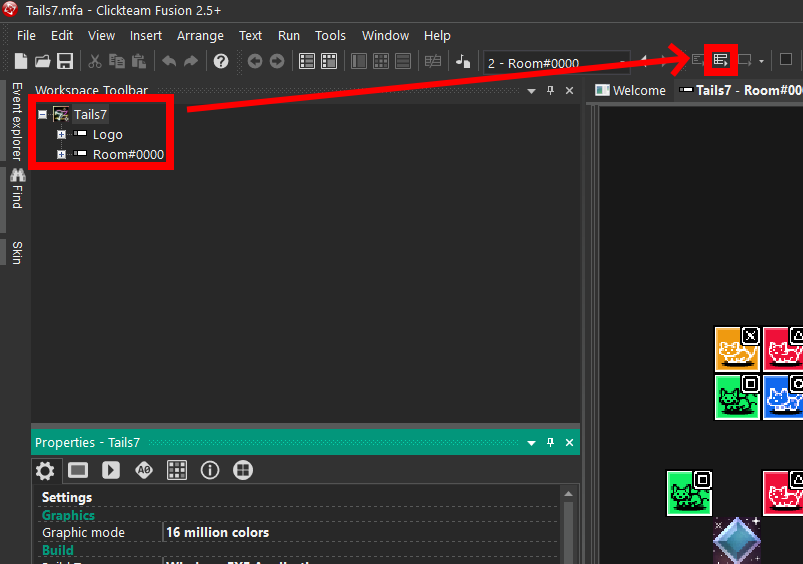
11. When Tails7.mfa opens in Fusion, run the Runtime.
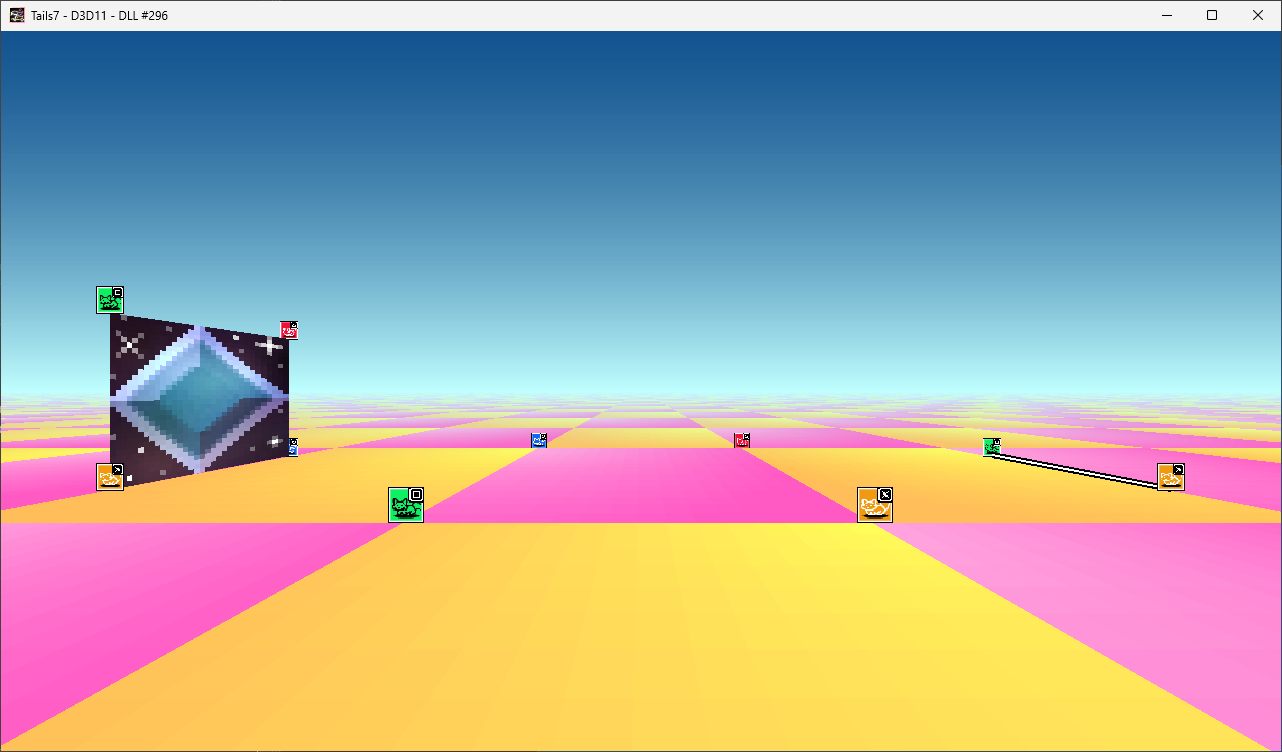
12. Congratulations! You have successfully installed the engine and can start working on your project/game!
Created with the Personal Edition of HelpNDoc: Easily create CHM Help documents